Host Your Own Site
2025-06-24 • 1 min read | Part 2 - Adding a Theme with Jekyll
PT.2 Theming your webbed site
- Before changes were made to GitHub Pages interface, it was possible to pick a theme using a built-in GUI
- Currently we need to set the theme using a
_config.ymlfile. This will tellJekyllhow to transform the text in the README file and generate a styled website. - Select
Add File > Create New File
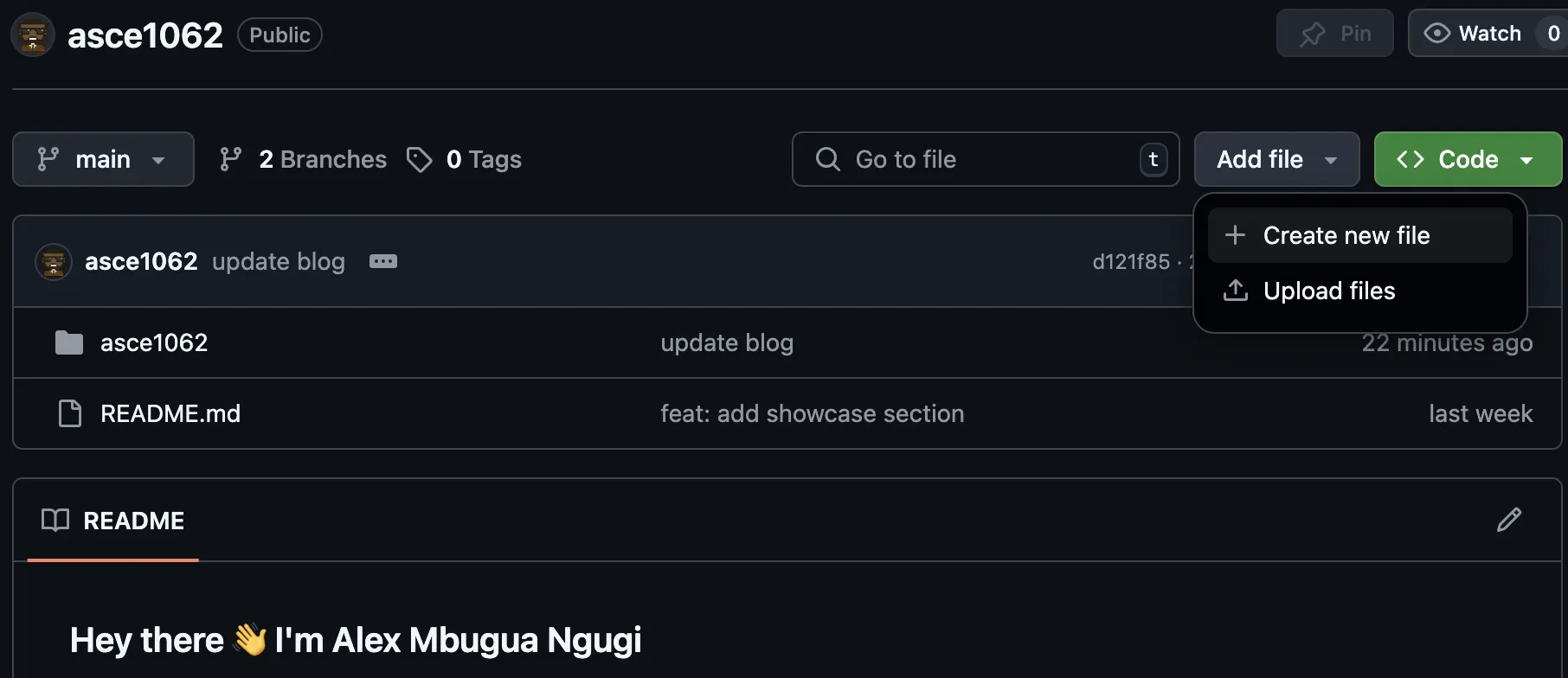
- On the new page opened under
Name your file...enter_config.yml - Add the following contents to
_config.yml file
title: Your Name
theme: jekyll-theme-minimal- A full list of supported themes can be found here
- Save your changes by
Committing changes...

- A build should be automatically triggered
- Progress can be tracked under the repository’s
Actionstab

- Once deployment is done, the site we created from the previous PT.1 Webbed Site Repository should now be themed
129