Host Your Own Site
2025-06-23 • 1 min read | Part 1 - Using GitHub
PT.1 Webbed Site Repository
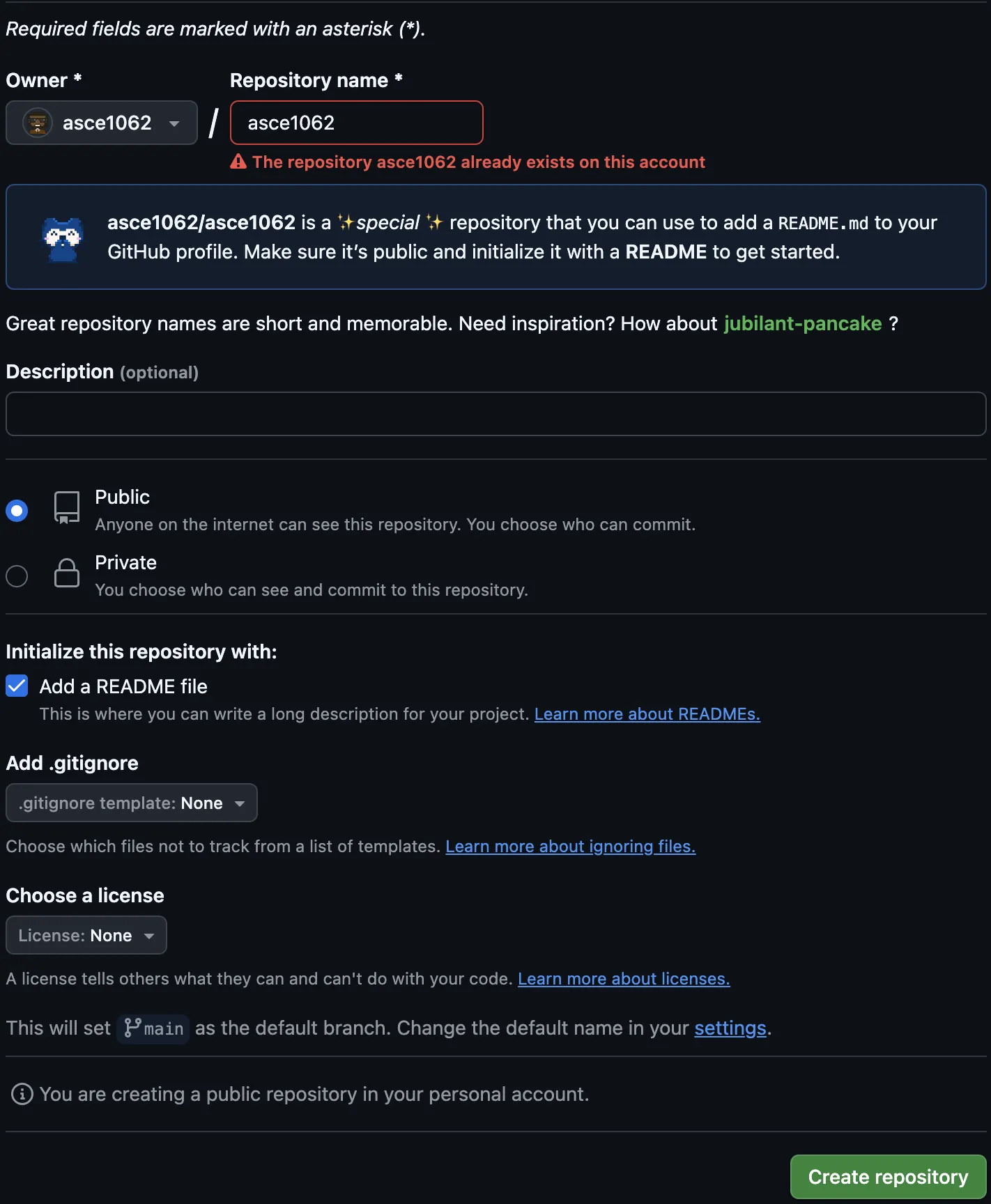
- Create a new GitHub repository
- Repository name:
githubusername - *
Public - Check
Initialize this repository with: Add a README file - Create repository
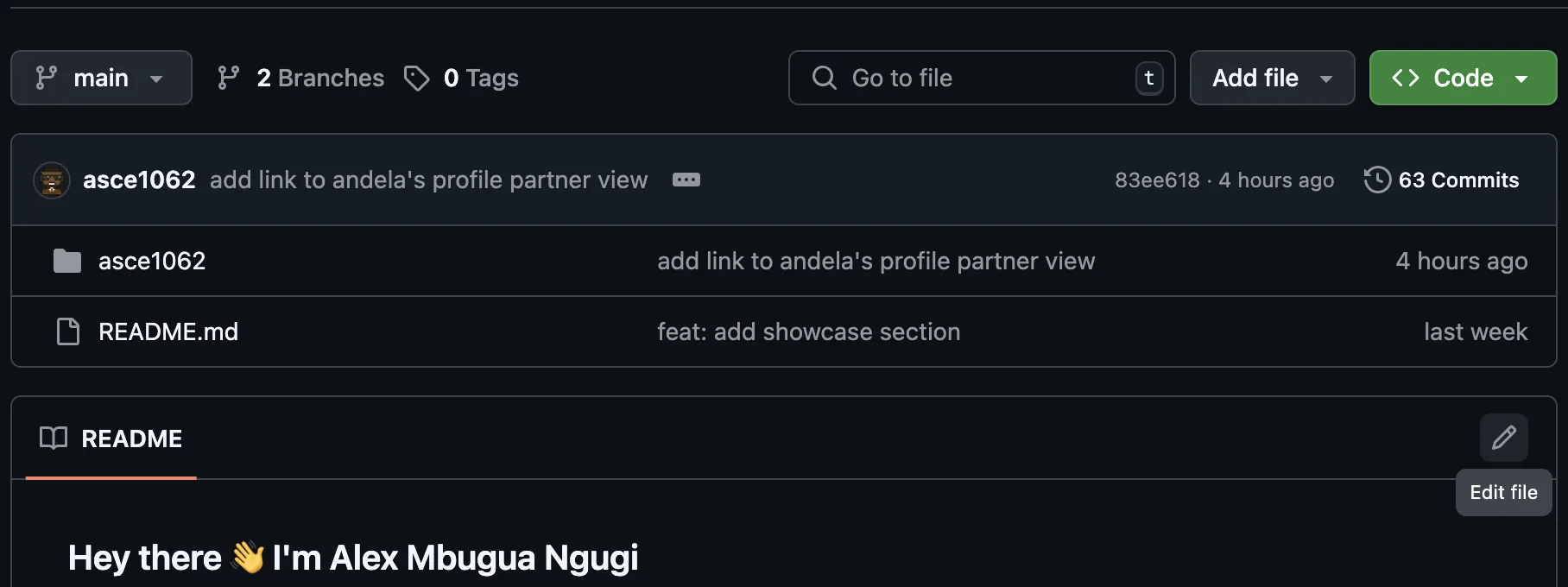
- Edit
README.mdfile - For github markdown syntax, visit this getting started doc
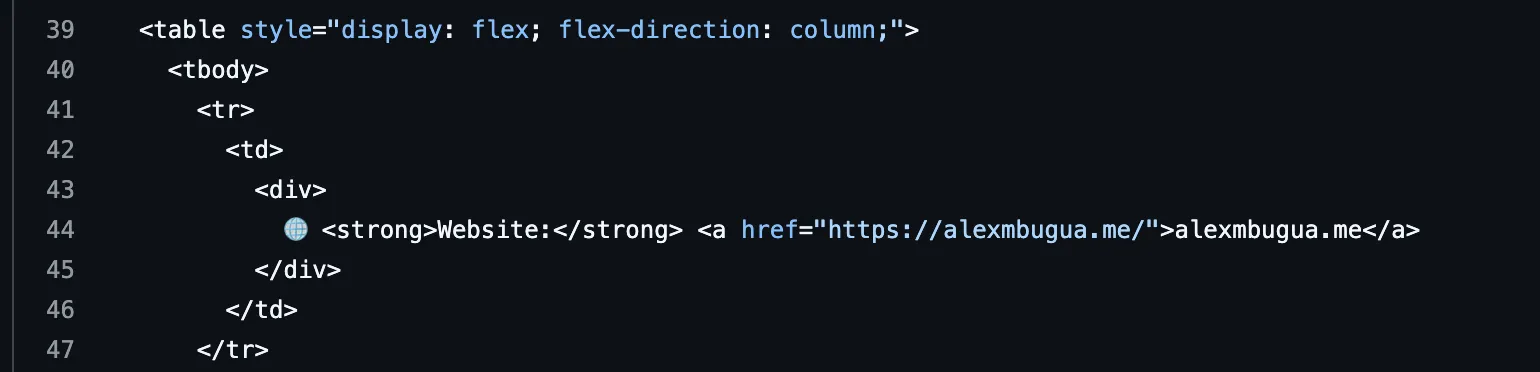
- For formatting that isn’t supported by
markdown's syntaxor for more complex layouts, you can useHTML tagsdirectly inmarkdown - Check out my README.md for inspiration if needed (switch to
code viewfor markdown html syntax)
- Save your changes by
Committing changes...

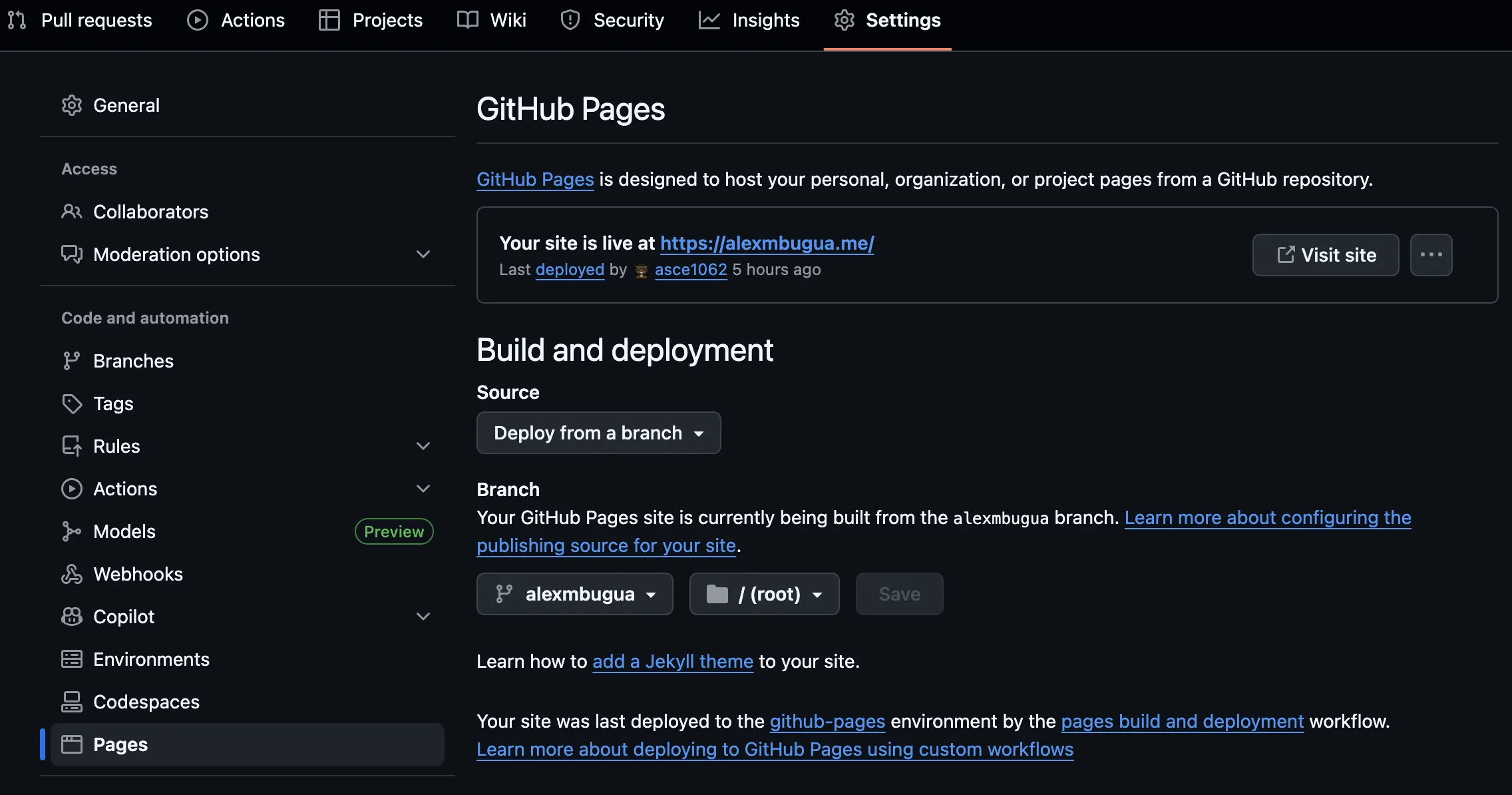
- Navigate to repository’s
Settings > Pages - Under
Build and deployment SourceselectDeploy from a branch - Under
Branchselectmain - Under
select folder/(root) Savethese changes
- A build should be automatically triggered
- Progress can be tracked under the repository’s
Actionstab
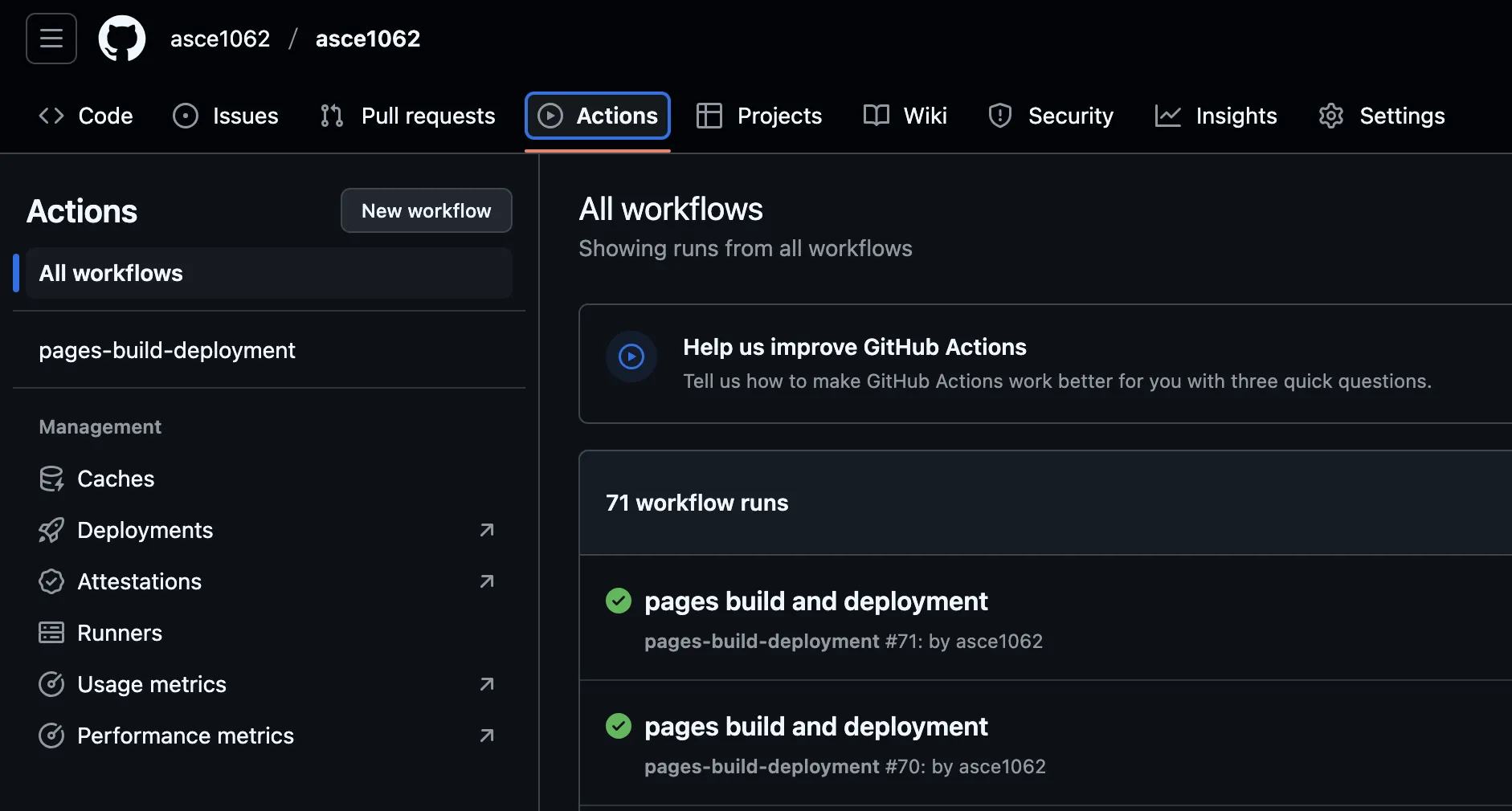
- Once deployment is done, navigate back to repository’s
Settings > Pages - You should see
Your site is live athttps://username.github.io/reponame/ - Since we created our
repositorynamelike:githubusername, the expectedsite urlishttps://githubname.github.io/githubname/ - In part 2 we’ll cover adding a theme with Jekyll to our webbed site
154